Are you new to using Interactive Notebooks? After 6 years of trial and error, I made a list of 12 things I wish I had known that very first year.
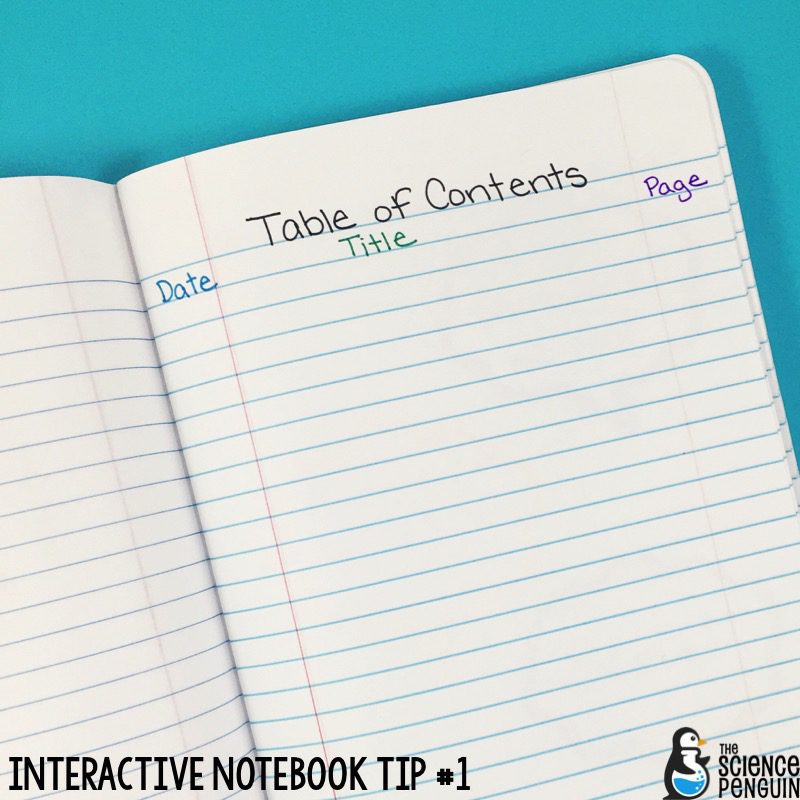 Set up 4 pages for the Table of Contents. Instead of drawing sloppy lines on the page, I just use the red lines already provided in the notebook. I choose to include the date, entry title, and page number. I model completing it until they’ve got it, then filling out the TOC becomes part of their setting up process. Make this work for your personality!
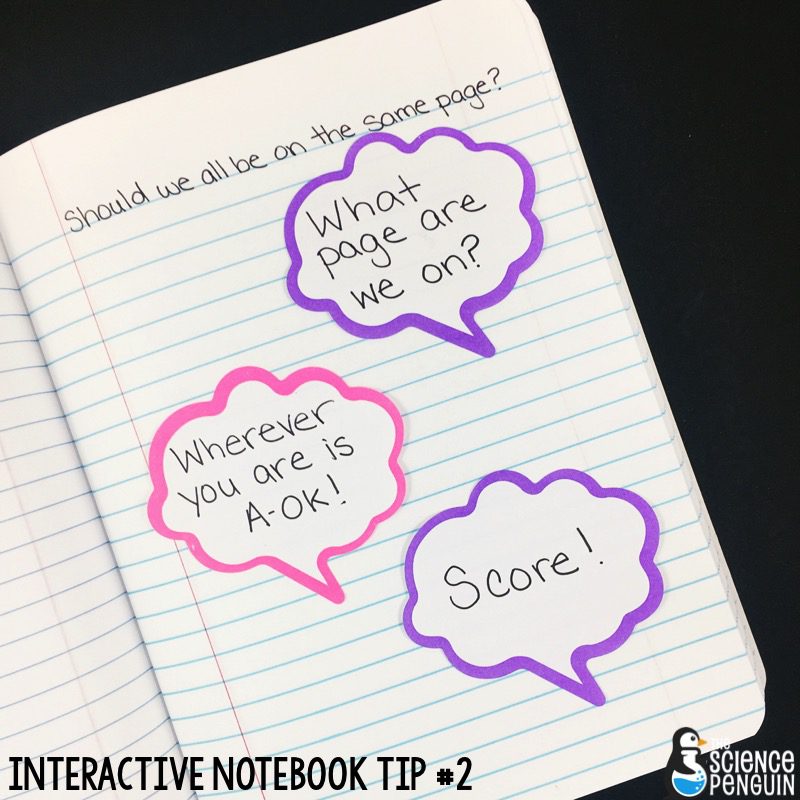 I would go crazy if I tried to keep every student on the same page in interactive notebooks, so I let go of that practice. Students just start their new entry on their next empty page.
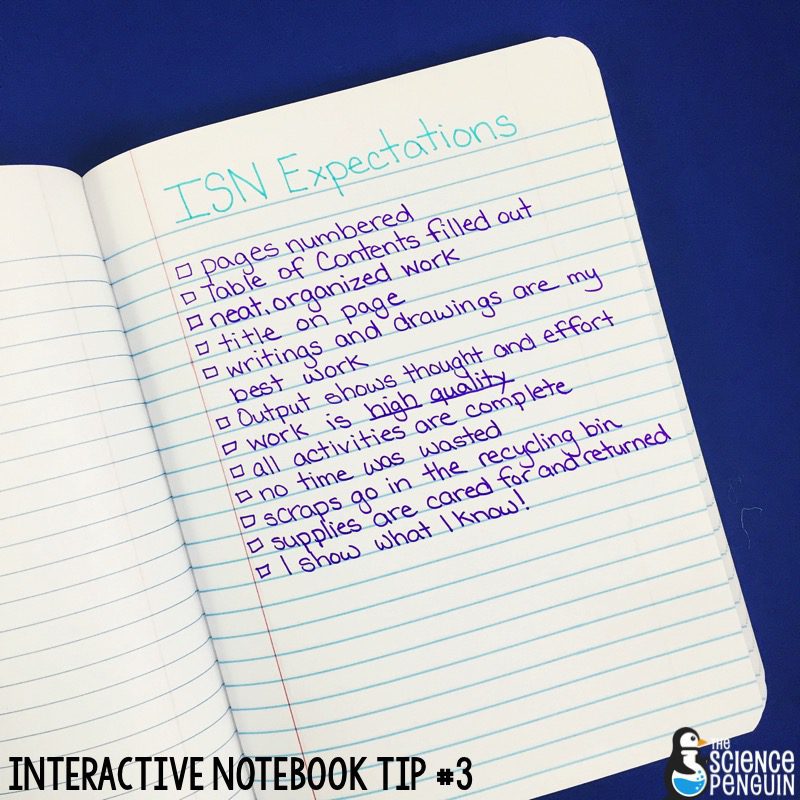 My expectations have changed over the years. The notebook should be organized enough to use as a learning tool. Quality work is always expected.
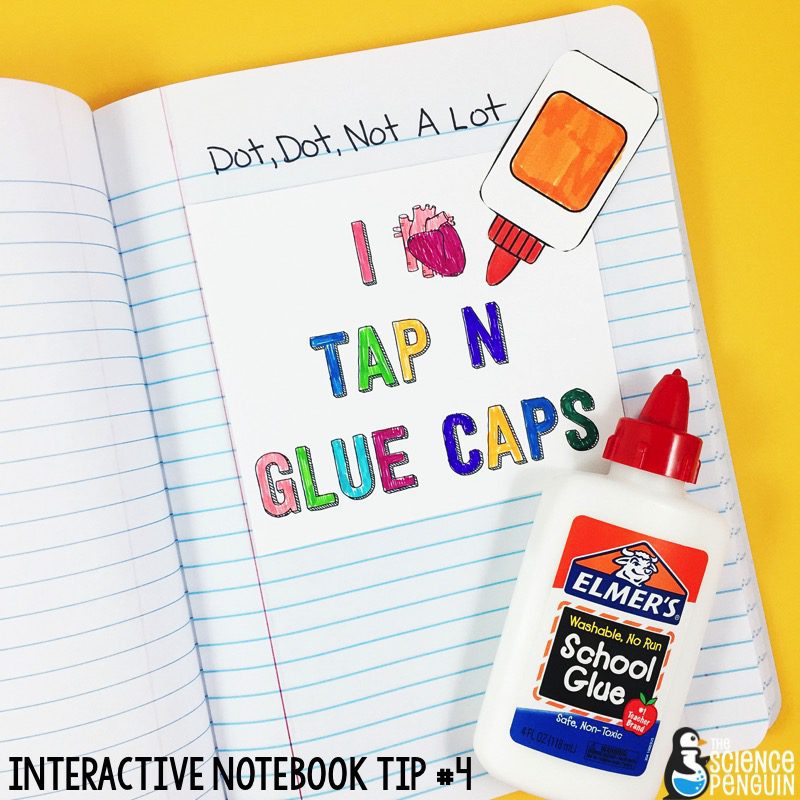 Glue sticks weren’t sticky enough. Regular glue bottles dried up. Then I found Tap N Glue caps!
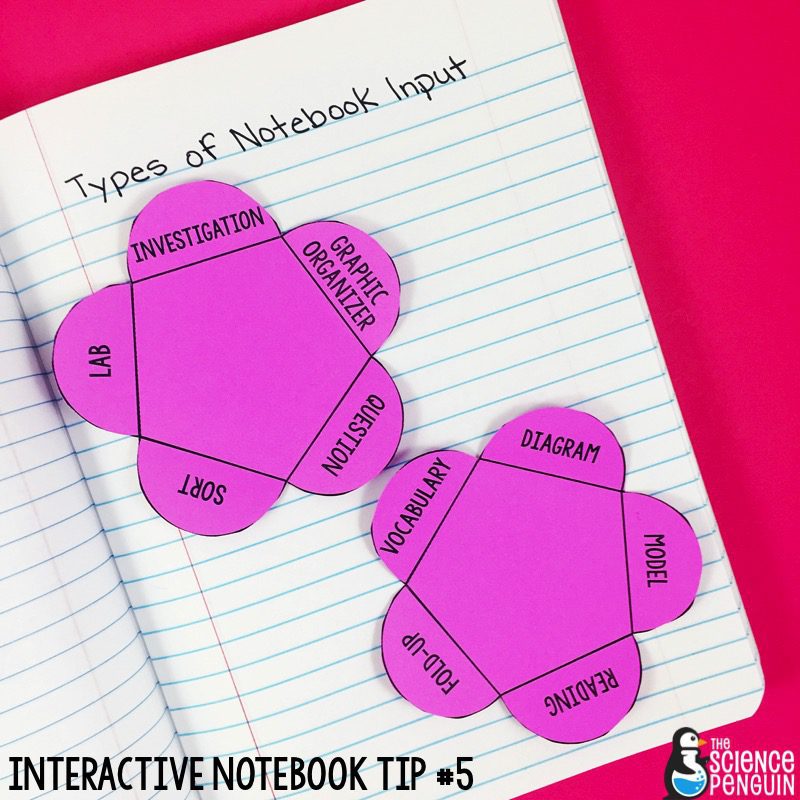 Input is the activity the teacher chooses for science notebooks– your main activity.
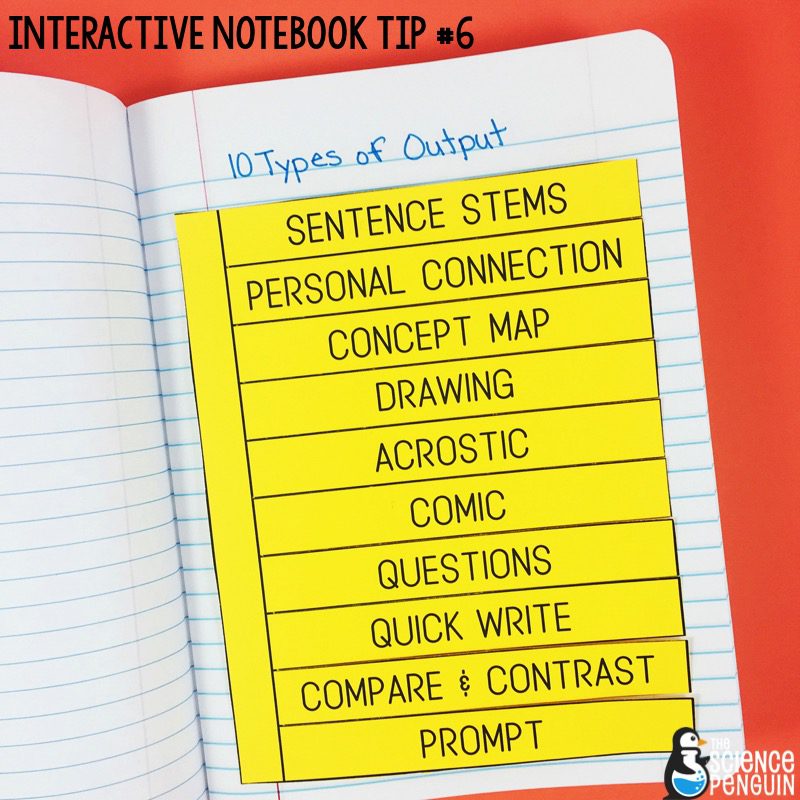 It’s important that students have time to reflect on their learning. Here are 10 strategies I teach students to use at the end of a science lesson.
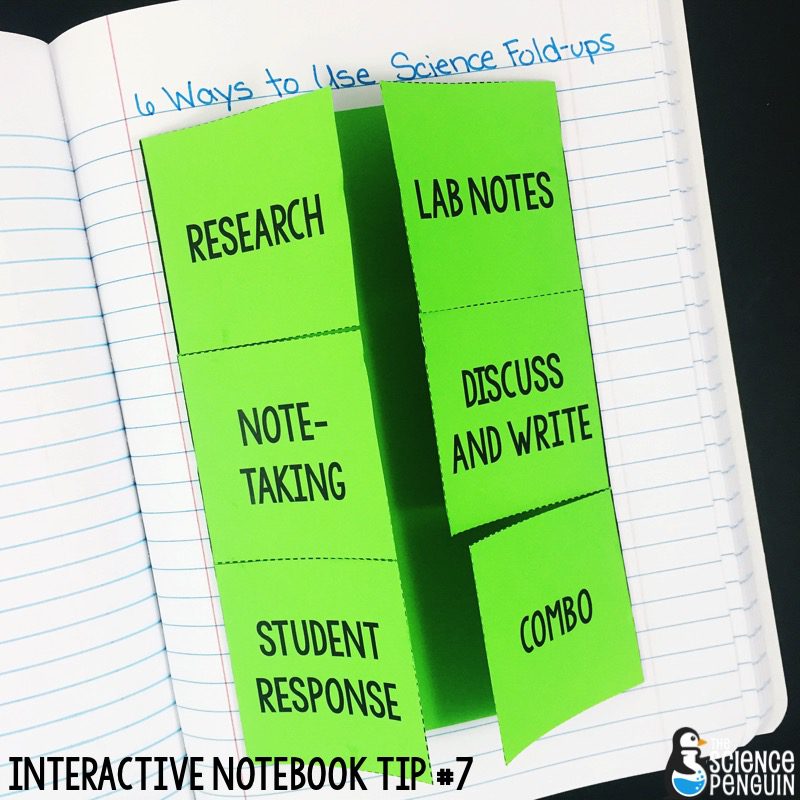 You have all of these fold-up templates… Now what? Find out!
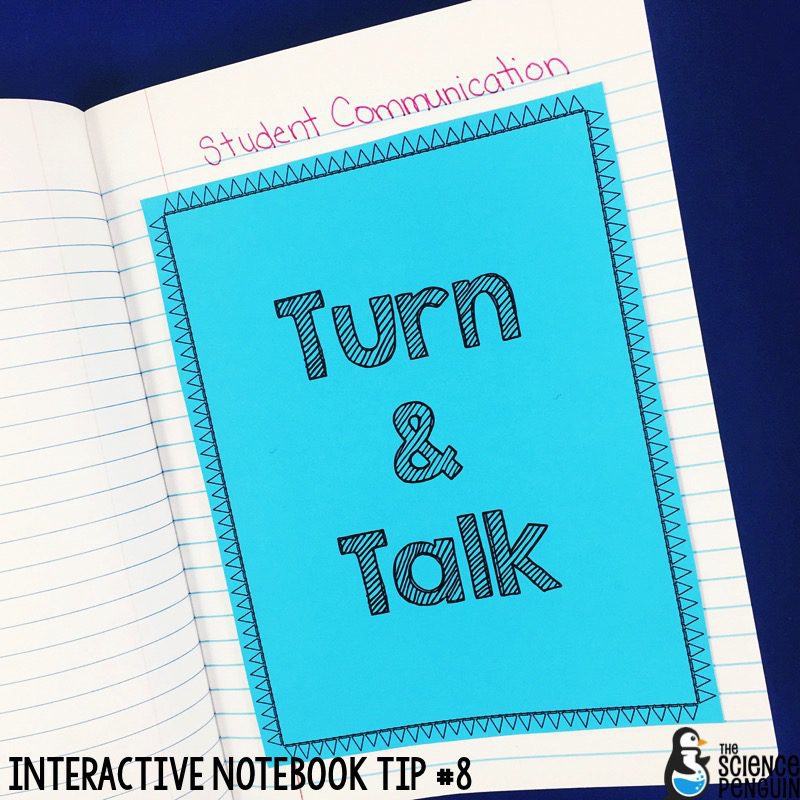 While we’re working in our science notebooks, I offer time for students to turn and talk about the new content. Communication is key!
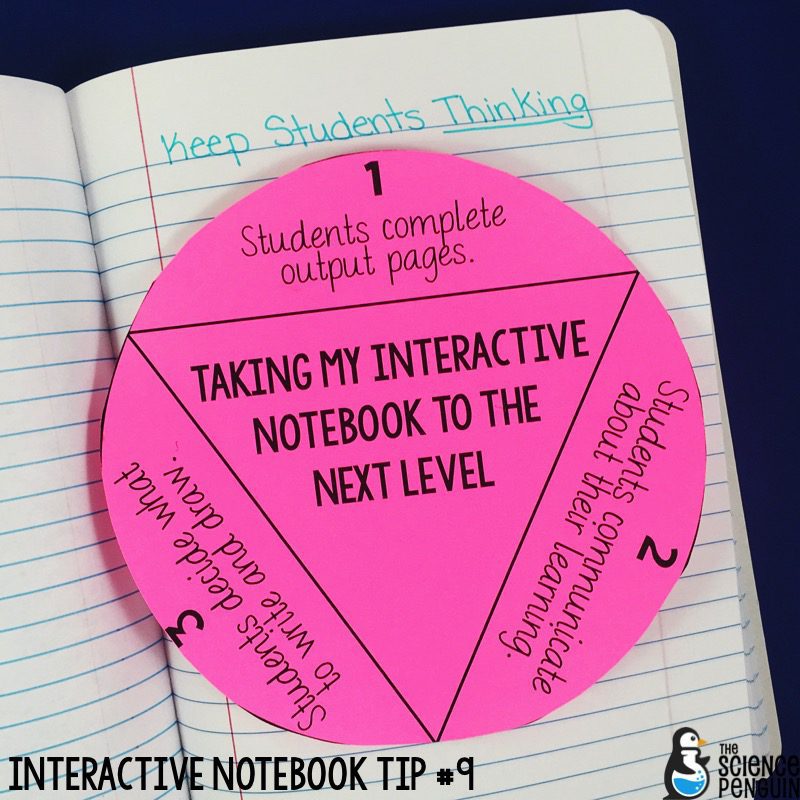 To turn note-taking into notebooking, we do 3 main things:
1. Students get a whole page for each activity to reflect on their learning in the way they choose.
2. Students communicate with each other using Whole Brain Teaching.
3. Instead of copying everything I write, students have input into what is written and drawn.
Read more about turning note-taking into notebooking.
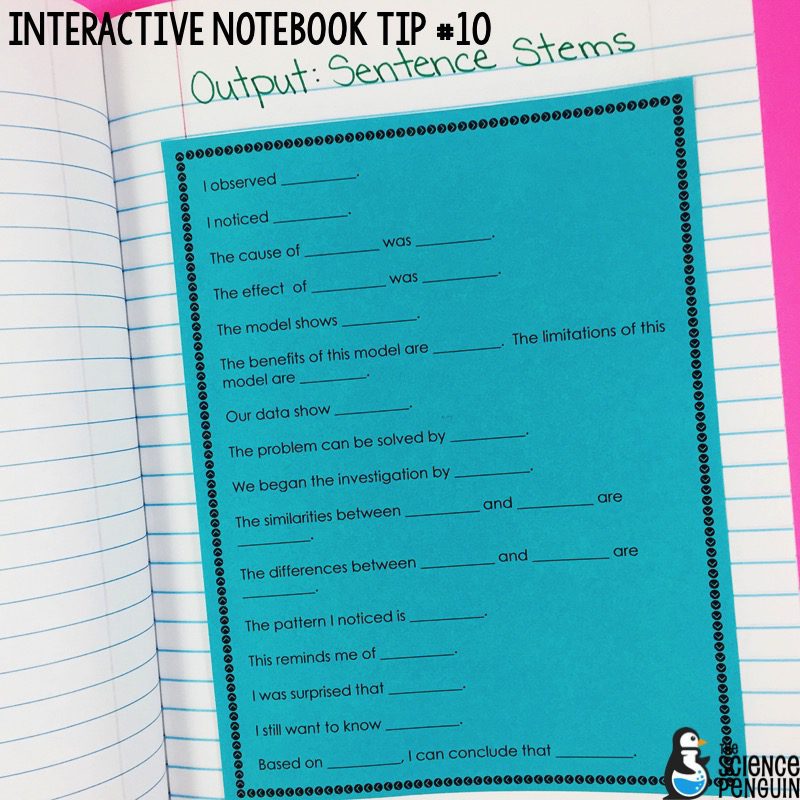 Sometimes students just don’t know where to begin. We use sentence stems to promote written and verbal communication. Learn more.
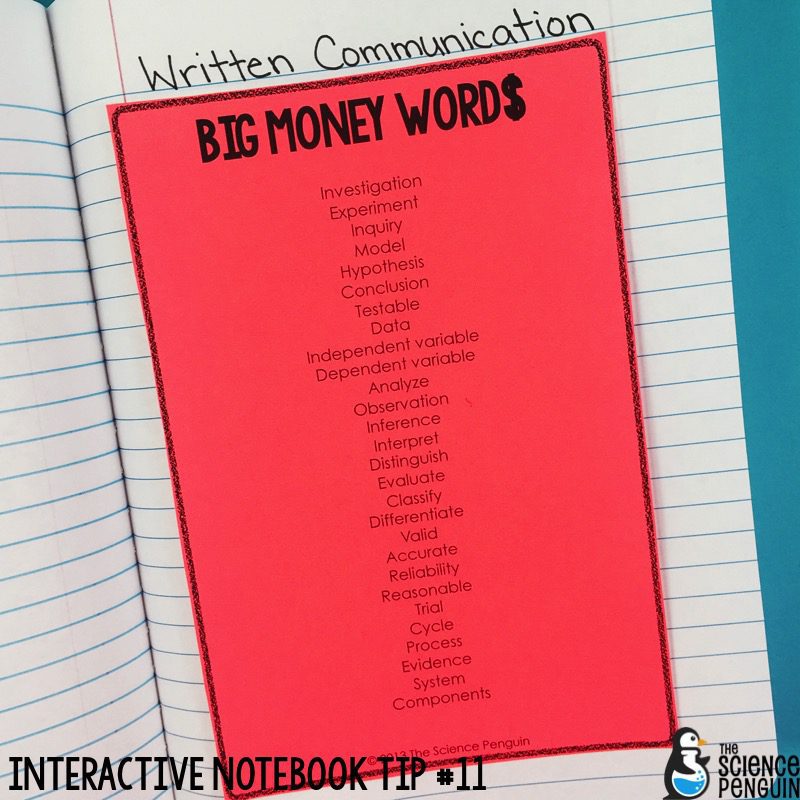 To communicate scientifically, we use Big Money Word$. We have them on a Word Wall all year and students have a copy in their notebooks.
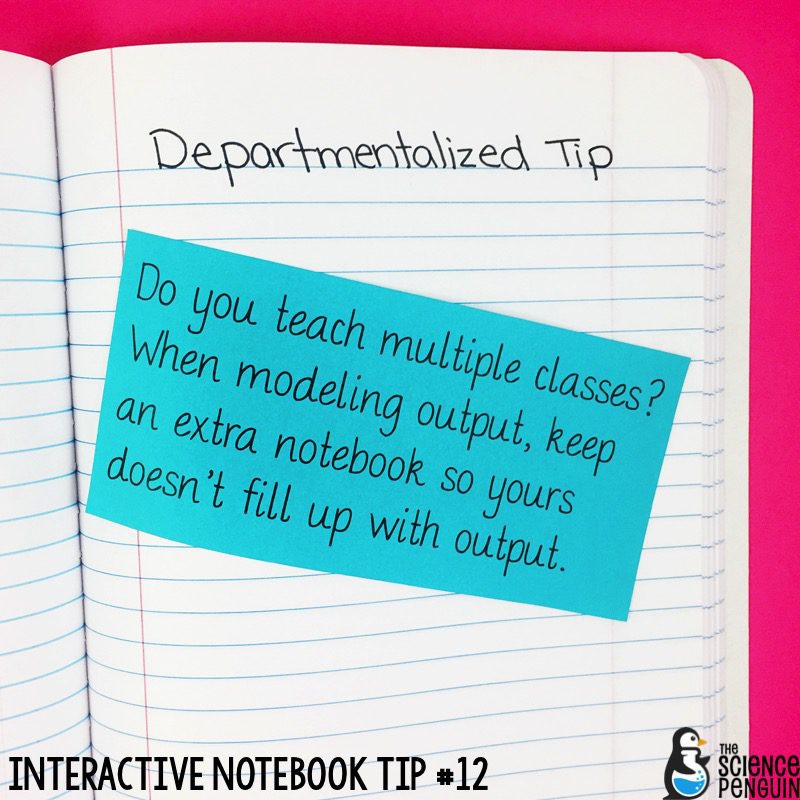 I don’t do examples of output all year! Once students have seen various options, I stop and use that time to check in with students. I keep one notebook for all of my classes. For the first few weeks, though, I keep an extra notebook on hand to model output for each class and not allow mine to fill up. 🙂